
 study copies
Gmail design system
study copies
Gmail design system
Five Gmail screens, rebuilt and working
Each copy is built only from our Gmail design system: Google's own GM3 colour tokens and Gmail's 2024 stylesheet values, colours measured from Google's and Mailmeteor's screenshots, the real Google Sans font (now open source) and Material Symbols icons. Each copy is checked pixel by pixel against its original. All mail, people and companies are made up, so the text differs from the originals on purpose.
Inbox (2026)
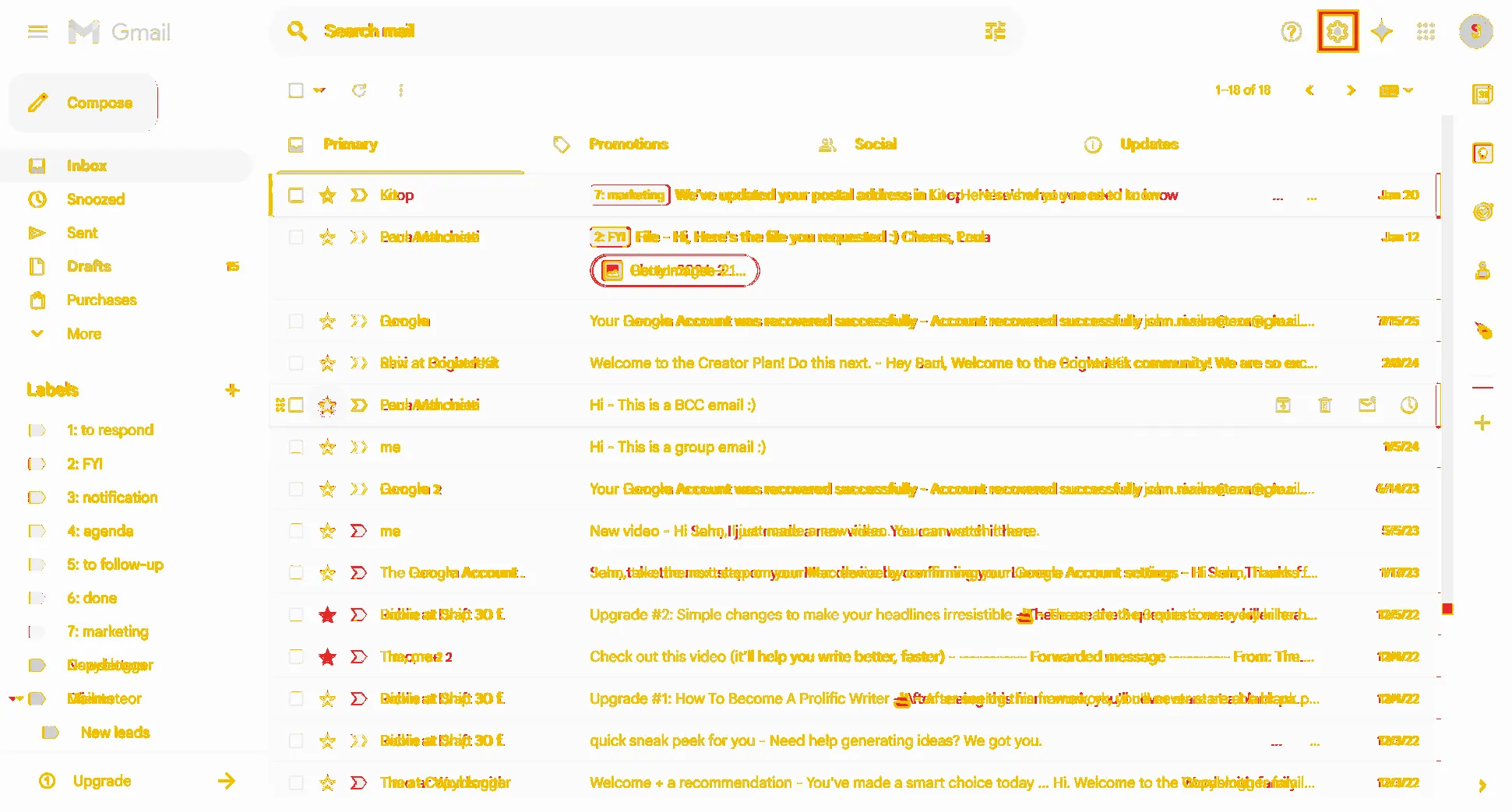
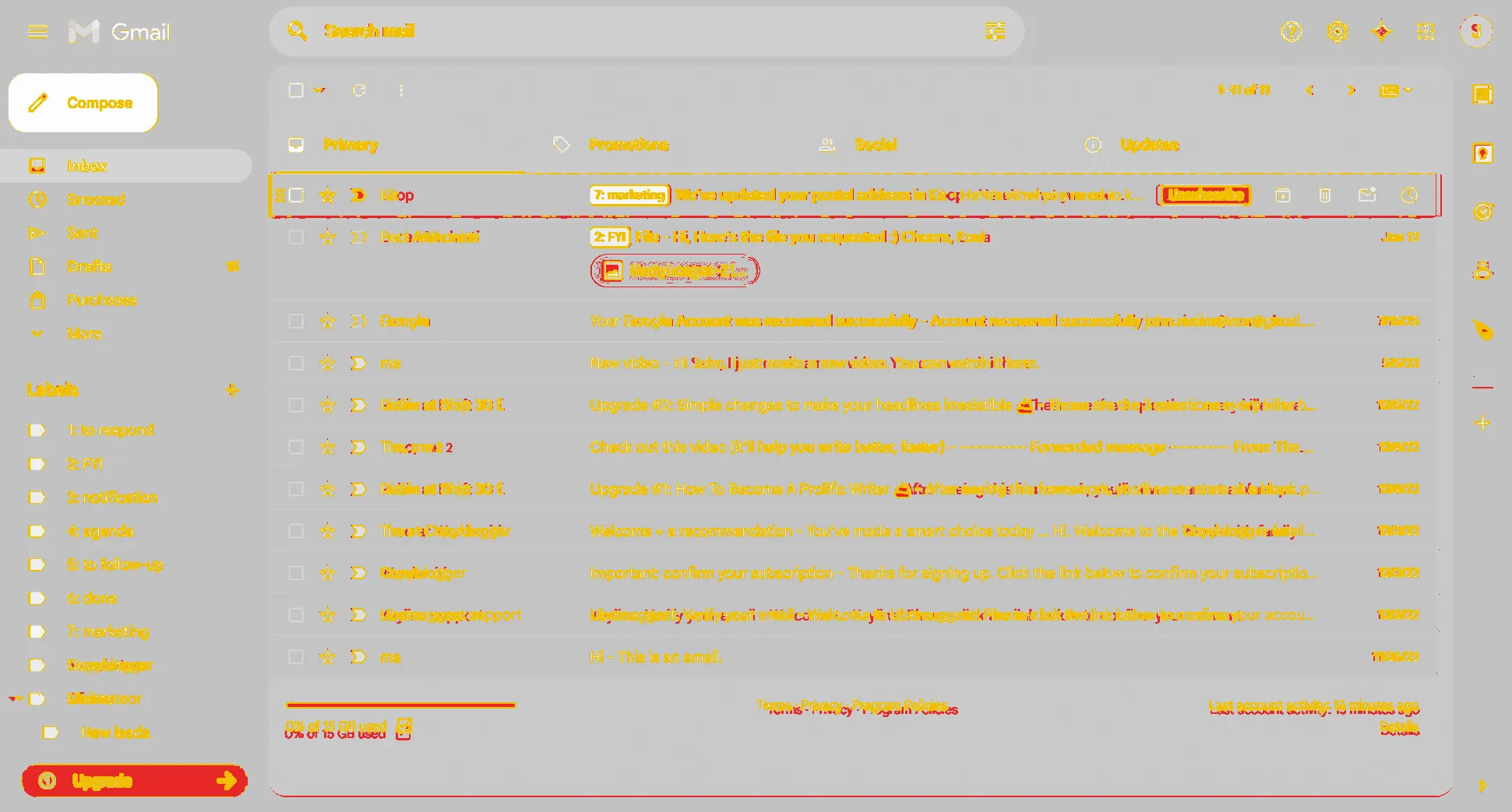
93.3% pixel match, light92.7% darkedges only 50.1% / 50.1% Originals: Mailmeteor's light and dark pair, Jan 2026, 1941 × 1043 JPEG = a 1440 px window at 1.348x. The dark original shows a smaller mailbox, so the dark score uses a second made-up mailbox of the same shape (?list=dark-shot).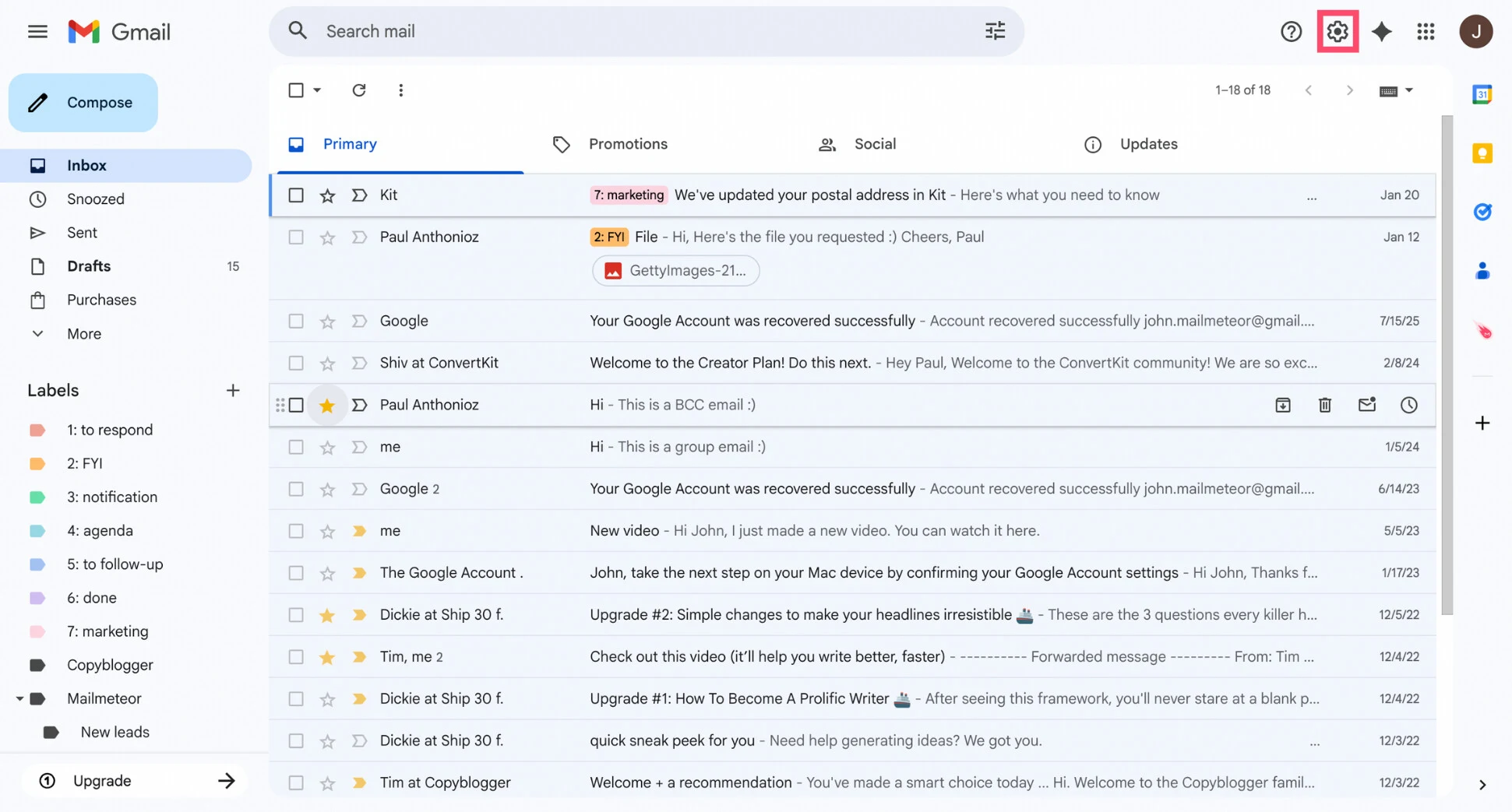
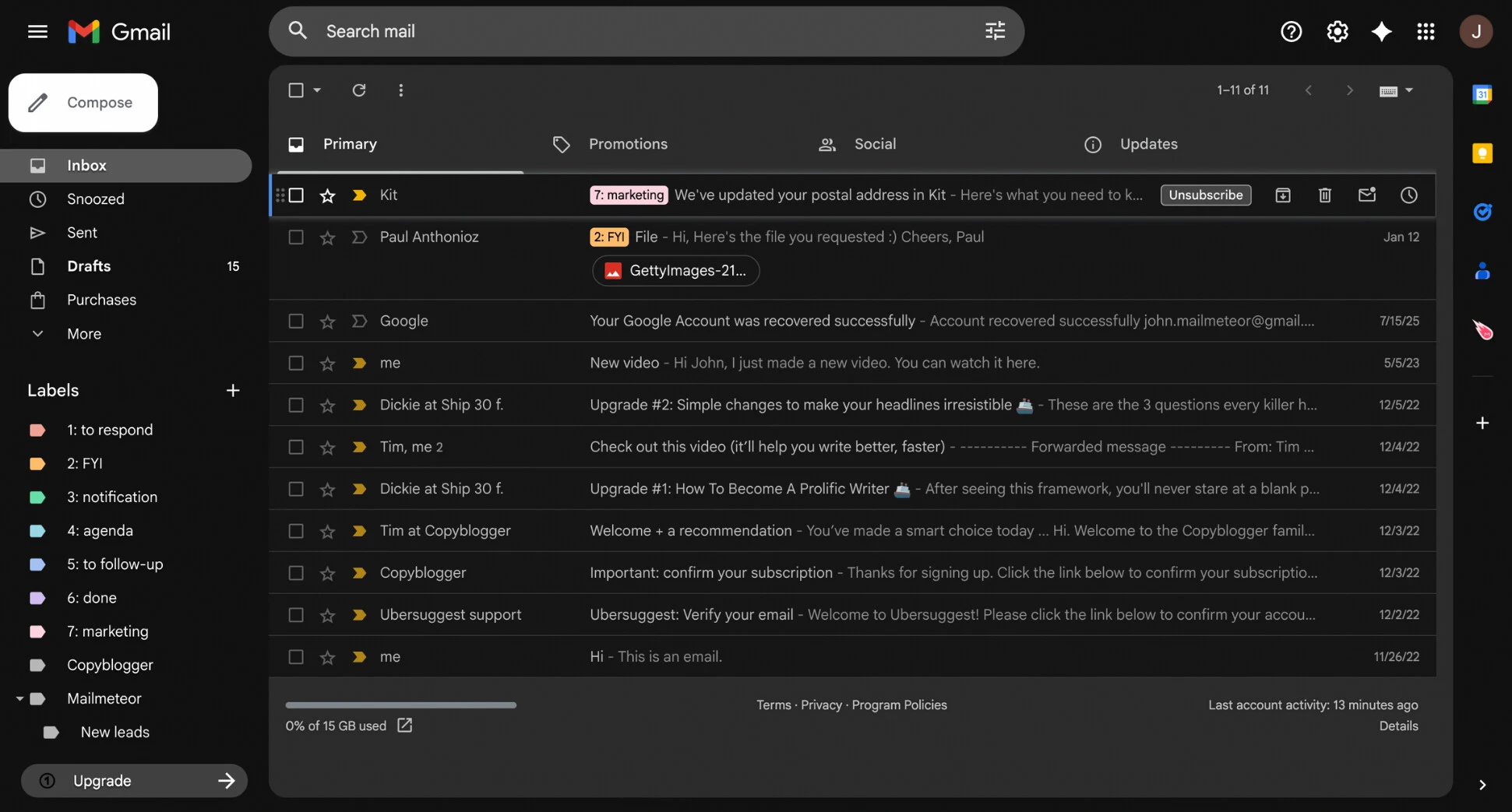
Try it: point at a row for Archive / Delete / Mark as read / Snooze (with tooltips); tick a box for the bulk toolbar; click a star; switch Primary / Promotions / Social / Updates; click a row to open it. Keys: c compose, j k move, o open, e archive (snackbar "Conversation archived. Undo" at the bottom left), # delete, s star, x select, / search, ? all keys, Esc close. In the copy's own window Shift+C opens the compare slider (plain c is Gmail's Compose).
Open conversation with the reply box
95.1% pixel match, lightedges only 50.5%dark: estimated Original: Google Workspace Updates blog, Mar 2026, GIF frame 1280 × 800 at 1x (256-colour palette, so flat colours are 1-2 values off). Includes the Mail / Chat / Meet rail and the "Active" status.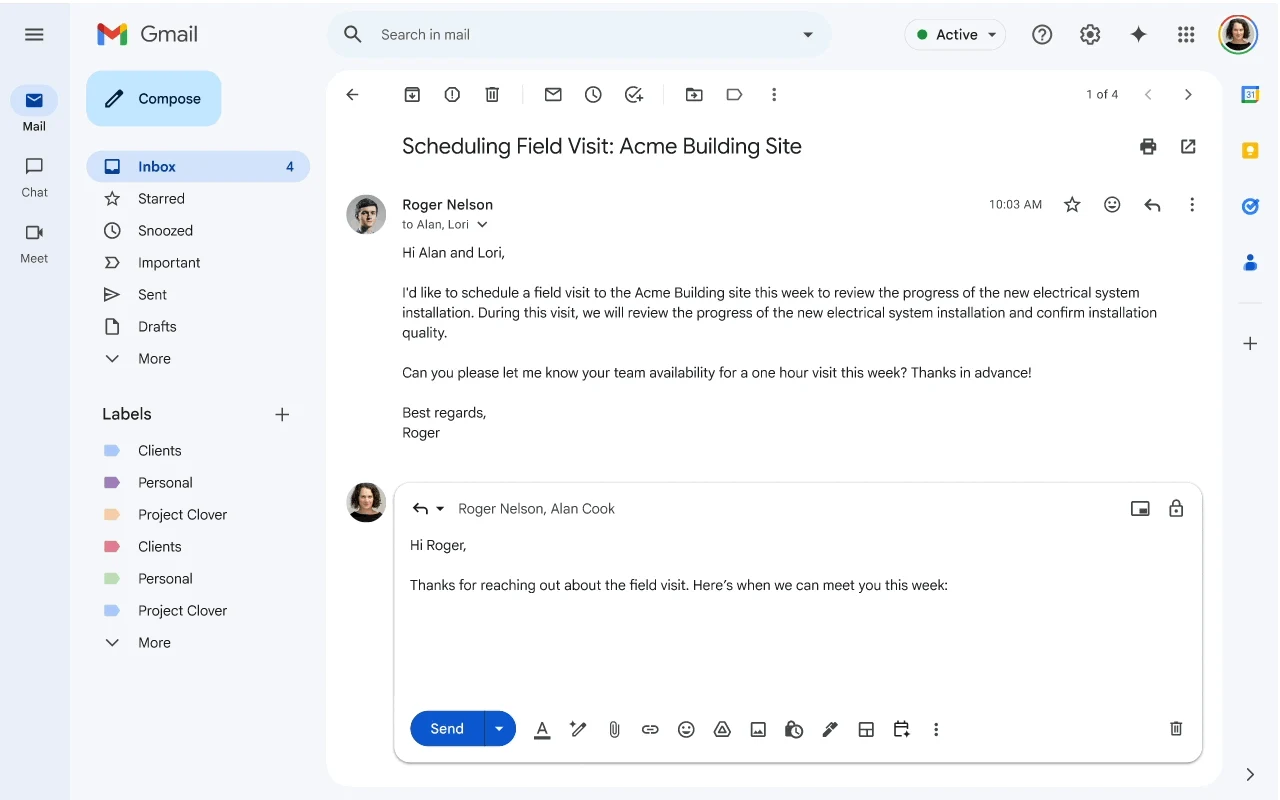
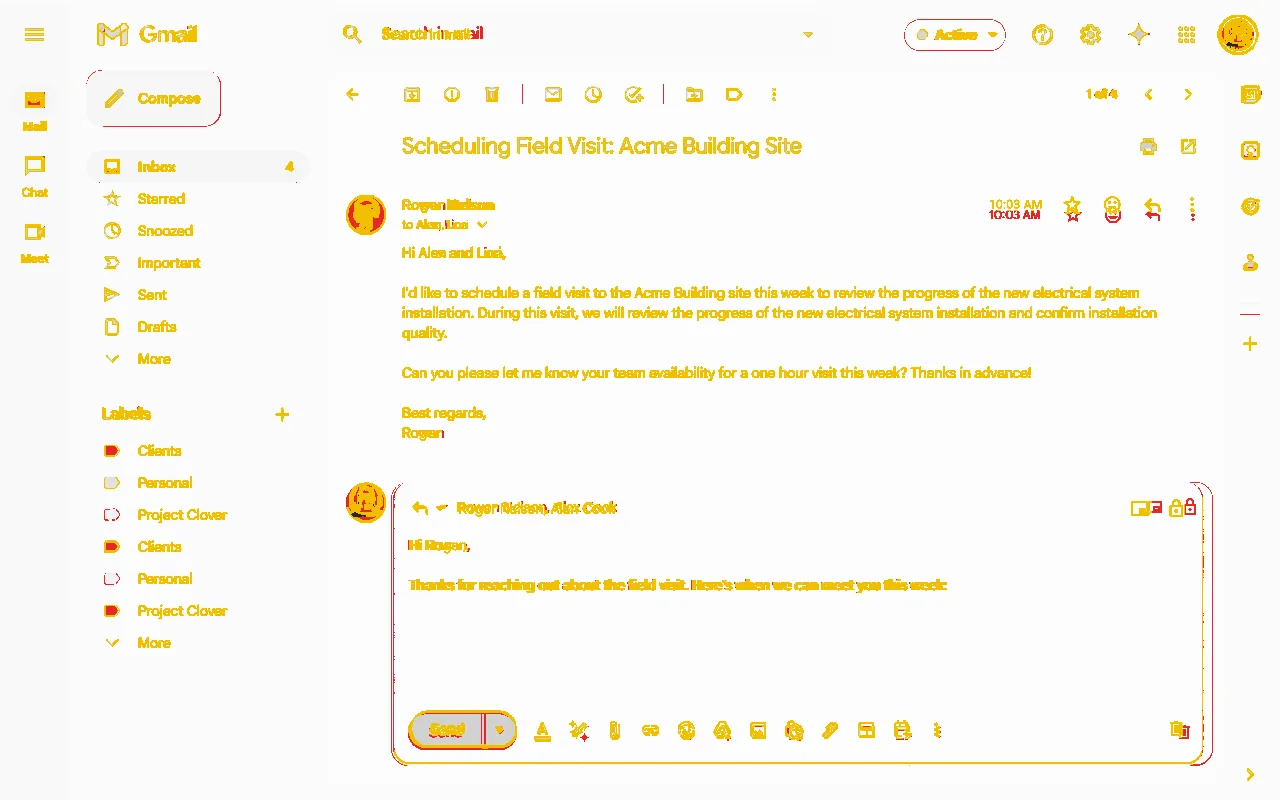
Try it: type in the reply box and press Send ("Message sent. Undo"), or the bin to discard it (Reply / Forward buttons appear). Archive or Delete from the top bar. The back arrow (or u) goes to the list; j / k move between conversations.
Compose window
97.1% pixel match, close-upedges only 45.5%dark: estimated Original: Workspace Updates blog, Aug 2024, GIF frame 1280 × 800: a close-up of the window at 1.35x on a plain background (window 606 × 575 CSS px). The copy has two views: in the inbox, and?view=closeup that lines up with the original.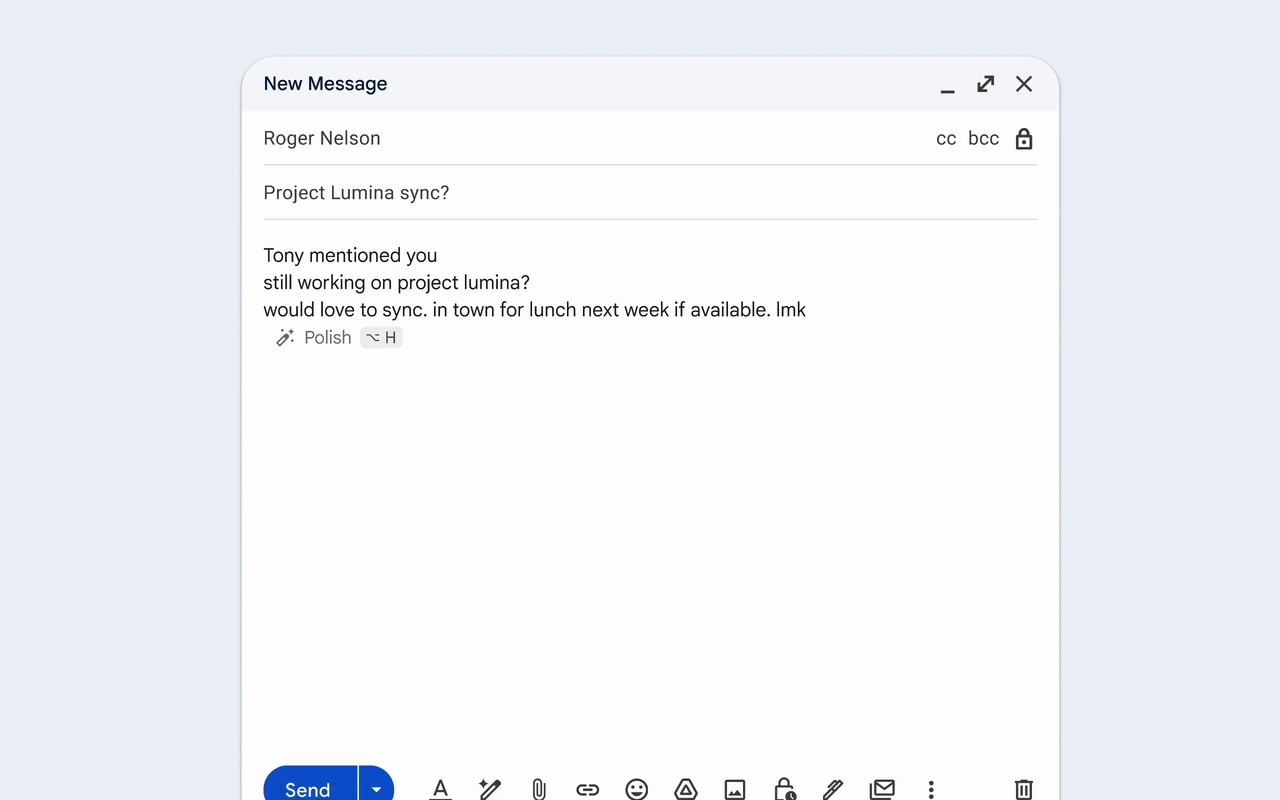
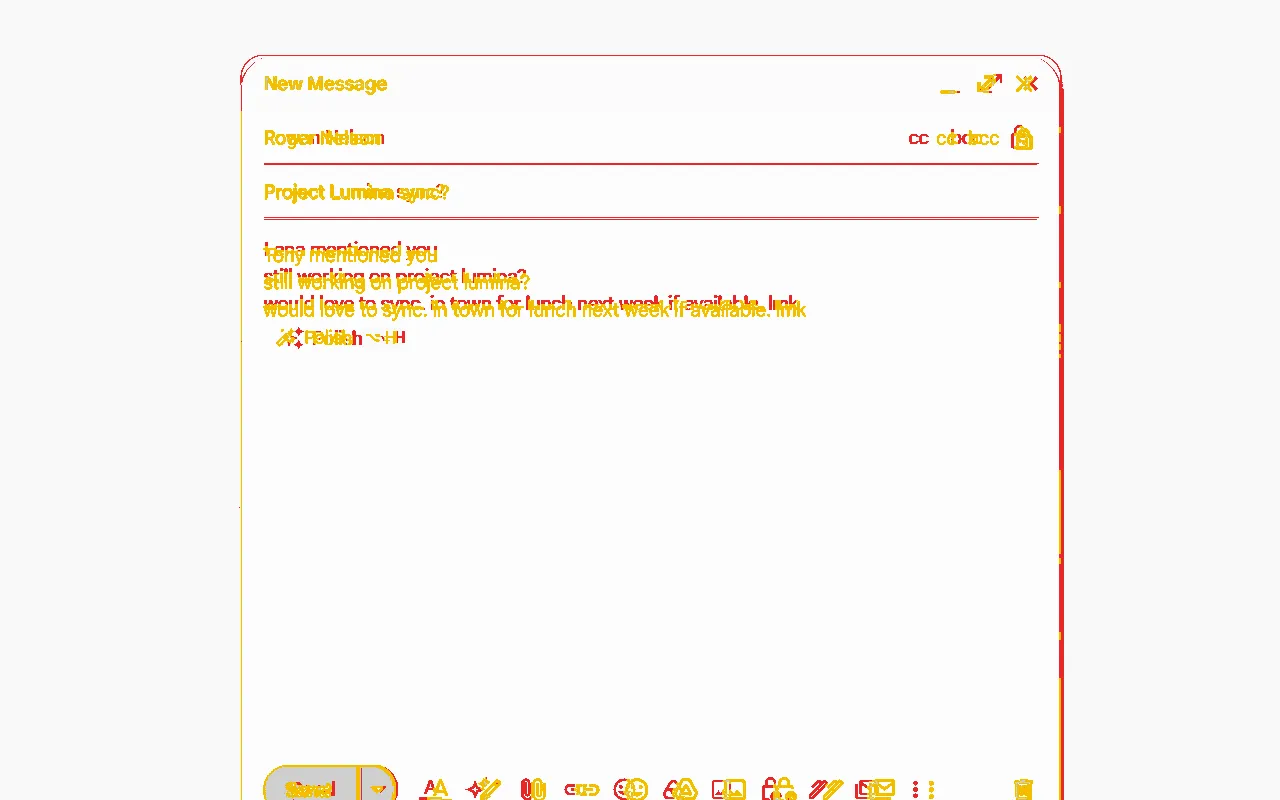
Try it: Minimise (the window drops to a bar; click the bar to bring it back), Full screen, Close ("Draft saved."). Send shows "Message sent. Undo"; Undo brings the window back. With no recipient Send says "Please specify at least one recipient." cc / bcc add fields.
Search results with filter chips
no score: no clean originaldark: estimated Reference: Workspace Updates blog, Apr 2026 (GIF frame caught while an AI overview fades over the list) and the 2022 launch video. Chips and sort are taken from these; sizes come from the inbox copy.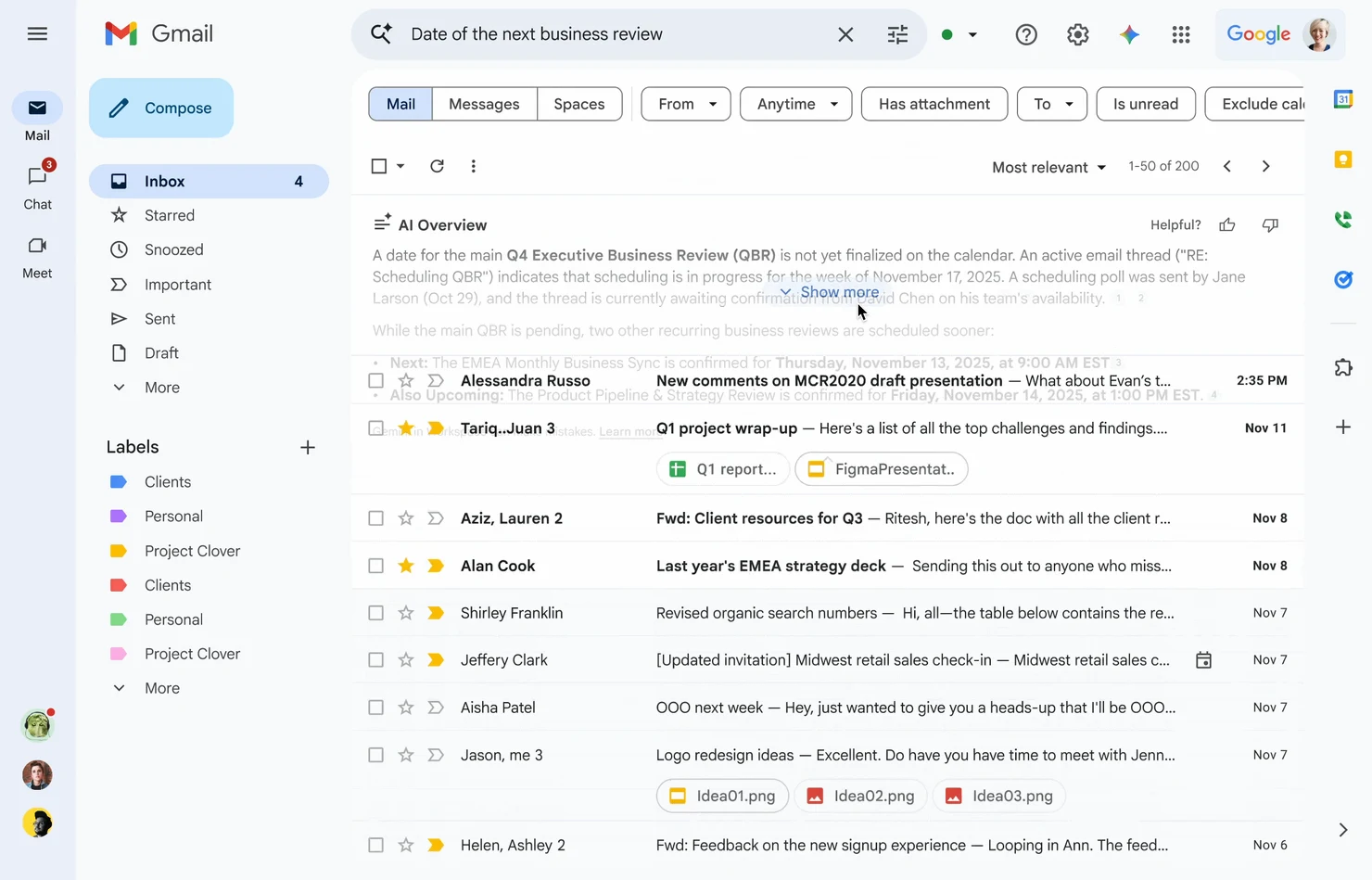
Try it: click Has attachment, Is unread or Exclude calendar updates (they toggle and filter); pick a sender in From or a date in Anytime; switch Most relevant to Most recent; type a new search and press Enter; Esc clears the search.
Quick settings
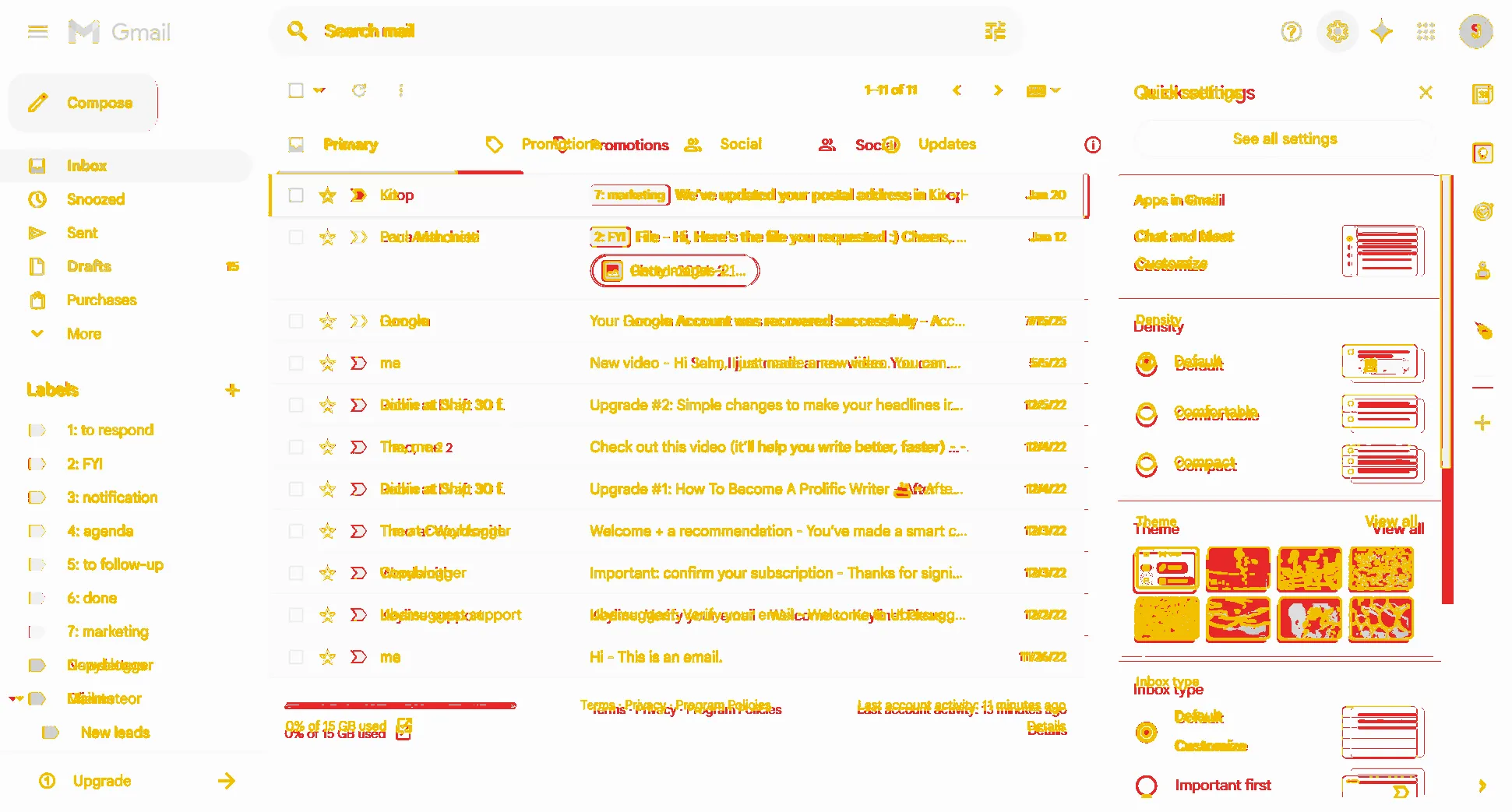
91.7% pixel match, lightedges only 44.8%dark: estimated Original: Mailmeteor, Jan 2026 (same set as the inbox, 1.348x). Outside the panel the match is 93.6%; the panel itself is 83%, because the photo theme tiles and the little drawings are shown as plain colour tiles and lines (not copied).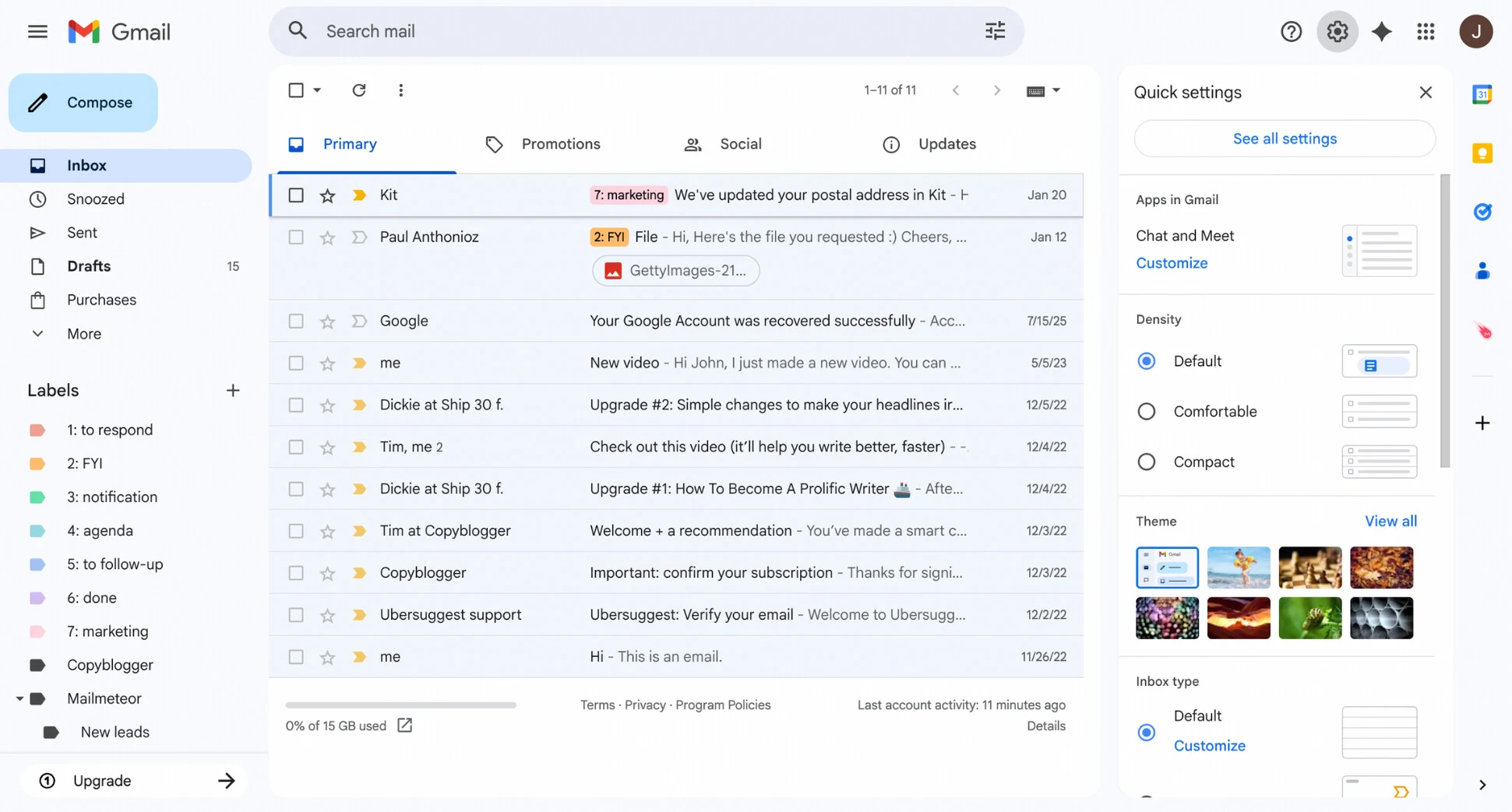
Try it: Density changes the list live (Default 40 px rows with attachment chips, Comfortable 40 px without chips, Compact 28 px); the Dark tile switches the whole copy to Gmail's Dark theme; the gear or Esc closes the panel.
How to read the scores: "pixel match" counts pixels within 24 of 255 per colour. "Edges only" counts only text, icon and line pixels, so it drops fast when words differ: every mail, name and date here is made up on purpose, and the originals are a JPEG (inbox, quick settings) and GIF frames (thread, compose). Where the words are the same (the menu, tabs and top bar) the inbox scores 97.3% pixels and 61-66% edges.
Real or estimated: light colours and sizes are real (Google's GM3 tokens, Gmail's 2024 stylesheet) or measured from the originals. Gmail's own Dark theme is a neutral grey theme measured from two real dark inbox pictures; compose, conversation, search and quick settings in dark are estimated, because no dark picture of them exists. The density rows for Comfortable and Compact come from Gmail's stylesheet, not from a picture.
Opened on its own, each copy has links back at the top and a bar at the bottom: Light / Dark, Compare with original (drag the blue line) and Actual size. Keys: D dark, Shift+C compare, Esc closes the compare.